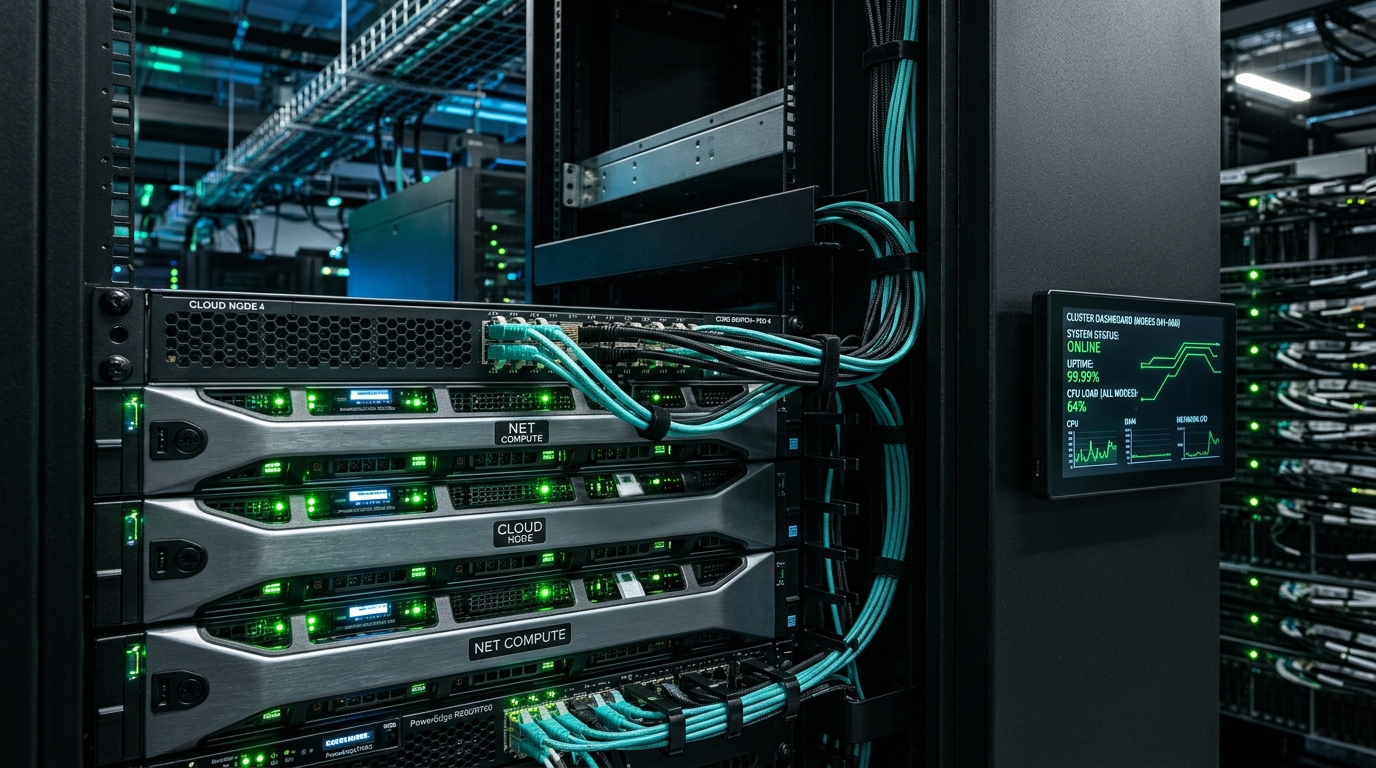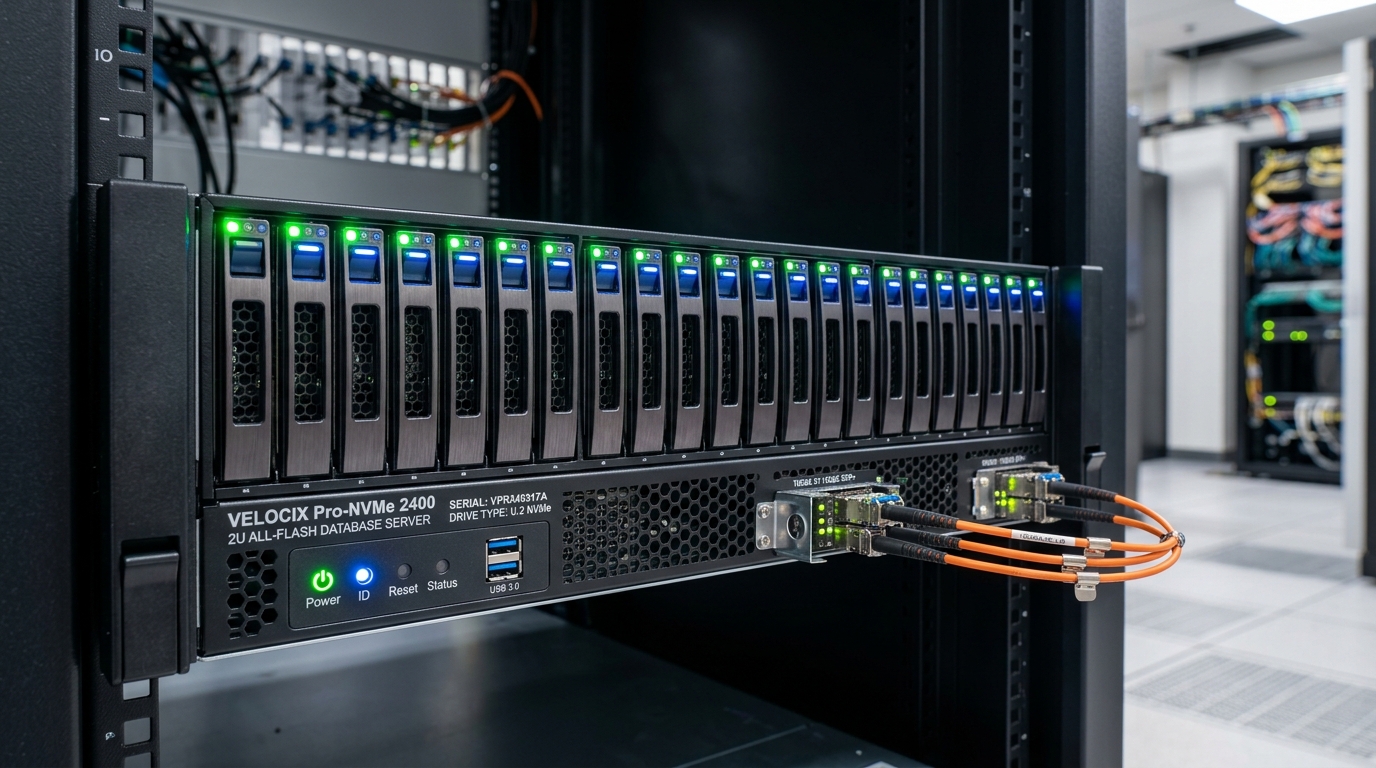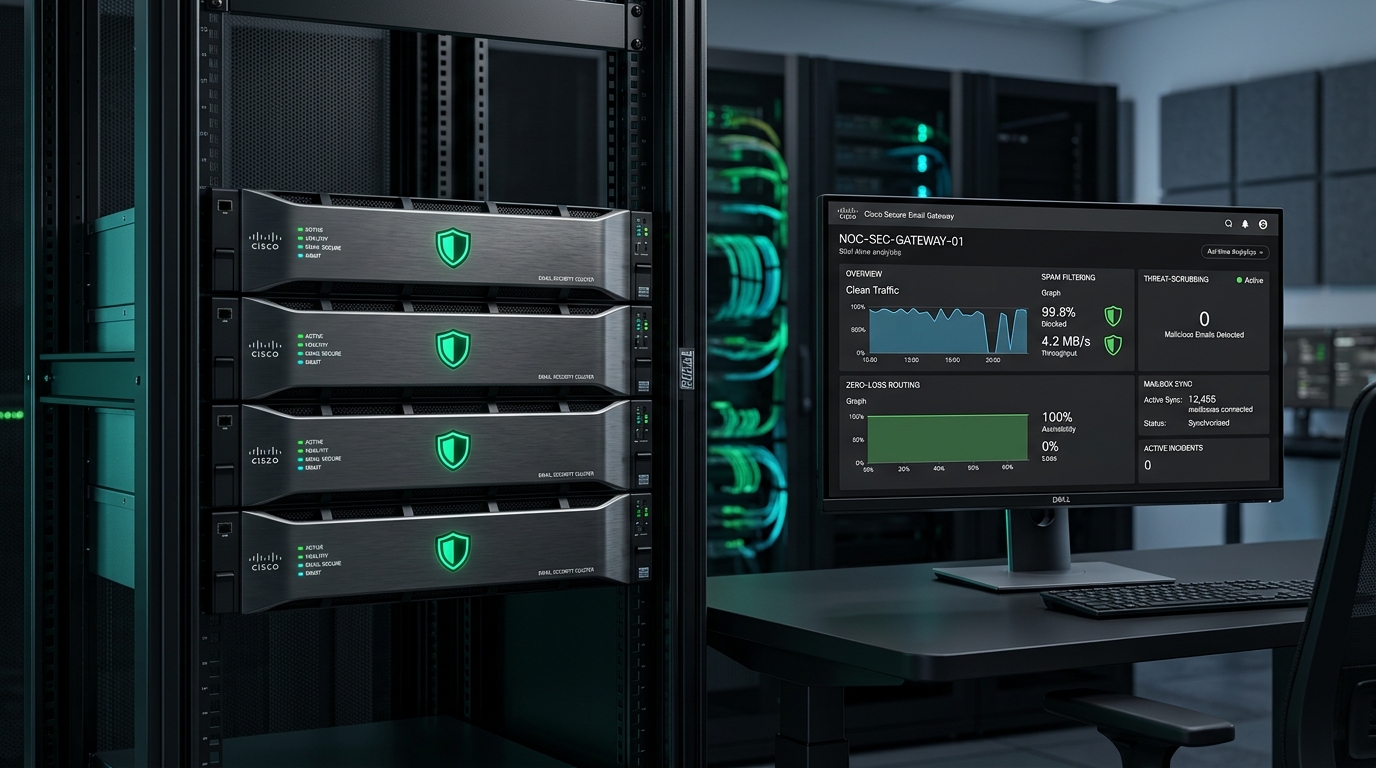

East Coast, Central & West Data Center Corridors
✓ Dual A+B Redundant Power Feeds & 10GbE BGP Uplinks
• 3-Region Authoritative BIND DNS• 60-Second Push Heartbeat Telemetry• NVMe RAID-10 Storage Arrays
Trying to describe website edits in a long email thread—“On the third service page, halfway down next to the second photo, can we update that paragraph?”—takes extra time for everyone involved.
To make collaboration straightforward during both initial staging and ongoing updates, we engineered our own Visual Pin Board. Included with every GreenTree project and our $199/mo Core Cloud + Management plan, it lets you click any headline, photo, or price badge directly on your screen, captures an automatic visual snapshot of that section, and routes your note straight to our engineering team.
Move your cursor over any individual element inside the dark demo stage—a server rack photo, a price pill (`$199 / mo`), a headline, an individual spec tag, or a button—and click it. Our sandbox captures a Real Element Screenshot with a target reticle at the exact spot you clicked and attaches a numbered badge directly to that element. Everything saves only to your browser.
“Swap this telemetry rack photo with the new wide-angle data center aisle photo and list the dual A+B power feeds in the caption underneath.”
Queued for today’s media and data center specification update pass.
Because we use this tool every day with our own clients across 17+ live platforms, we designed every detail around clarity and ease of use:
Numbered pin badges (#1, #2, #3) anchor at the top-right outside corner of the target element so the headline, photo, or pricing table underneath stays legible while you review.
Drag the toolbar anywhere in the viewport, toggle all markers on or off with one click, or minimize it into a compact 📌 badge that stays anchored right where you placed it.
Click an individual photo, caption, price badge, spec pill, or button—not just a whole page block. The snapshot highlights the exact coordinate you clicked with a numbered target reticle.
Stakeholders unlock the review bar with your project’s review passcode and enter their name once—tagging every pin and reply with who left the note without requiring separate software accounts.
For regular customers and search crawlers visiting your live website, the review toolbar is not loaded—keeping your public pages clean and fast.
Every pin packages the DOM selector, visual snapshot, and stakeholder thread into a clean engineering brief that you can copy in one click or export from your dedicated database.
Whether your organization operates a single commercial website or multiple regional brands, our built-in review workflow keeps every stakeholder request organized in one place.
From the moment a team member clicks an element on a staging or live page, each request follows a clear, trackable workflow:
During pre-launch staging, you want test form submissions and review notes routed only to the active project team—without cluttering your general company inbox before launch day.
Our platform manages notification routing cleanly across every stage of your project:
Every pin, visual snapshot, and threaded reply is stored in your site's own single-tenant PostgreSQL database—ready to search in your Client Operations Portal or export anytime.
| Comparison Dimension | Email Threads & Documents | Third-Party Review Subscriptions | GreenTree Visual Pin Board |
|---|---|---|---|
| Monthly Software Cost | No software fee, but requires extra time to write and interpret descriptions | Typically $40 to $150+/mo for a separate visual review subscription | $0 extra — built into every GreenTree platform |
| Visual Clarity | Written descriptions of page sections or manual screenshots | On-page pin markers and browser-extension or script screenshot capture | Outside-corner numbered badges (#1..N) + automatic visual element snapshot |
| Toolbar Ergonomics | N/A | Standard vendor sidebar or floating widget interface | Draggable anywhere, Pins ON/OFF switch & in-place minimize to 📌 badge |
| Data Ownership & Export | Spread across individual email threads | Stored in the external vendor’s cloud dashboard and account | Stored in your site’s dedicated PostgreSQL database with full export portability |
| Public Visitor Loading | N/A | Managed via separate embed snippet or browser extension settings | Not loaded for public visitors; activated only during signed-in review sessions |
When you sign into your staging preview (or your live website with your project review passcode), a compact floating toolbar appears on screen. You click "+ Pin Comment", click any headline, paragraph, photo, or price badge on the page, and type your note. The tool captures a visual snapshot of that exact section, places a numbered badge (#1, #2, #3) outside the top-right corner of the element, and routes your note to our engineering team.
Yes. You can tap any element on an iPhone, iPad, or Android device to drop a pin, and the automatic snapshot records your mobile or tablet viewport dimensions (for example, 390×844 on a phone) so our engineers see the exact responsive layout you were viewing.
Each pin stores both the live DOM selector and the permanent visual snapshot captured at the moment you clicked. When our engineers complete the requested edit on that element, we reply on the pin thread and mark its status Resolved (✓). Even if a section is later redesigned or removed, the original snapshot and conversation remain preserved in your Client Operations Portal.
No. Unlike third-party review tools that charge per seat, there is no per-user limit. Any stakeholder you share your project review passcode with can type their name in the toolbar and leave pins or replies at no extra cost.
No. The Visual Pin Board is only activated for team members with an active review session. Regular public visitors and search engine crawlers receive the clean public page without the review toolbar or markers.
You can move or hide it anytime: toggle "Pins: ON / OFF" to hide all markers and inspect the clean page, click the minimize button ("–") to shrink the bar into a small 📌 icon in place, or drag the bar anywhere inside the window.
Every pin is saved to your platform’s dedicated PostgreSQL database inside your Client Operations Portal and synchronized with GreenTree’s engineering desk. When we reply or mark an item Resolved, your portal and on-page badge update automatically.
Yes. Because your pins, threaded replies, and element snapshots are stored in your own single-tenant PostgreSQL database rather than locked inside a third-party SaaS account, you can copy individual Markdown briefs anytime or export your full revision history alongside your codebase and database under our 100% portability standard.
Whether we are launching a new multi-route web application or handling your monthly updates, you get direct principal access and point-and-click visual collaboration built in.